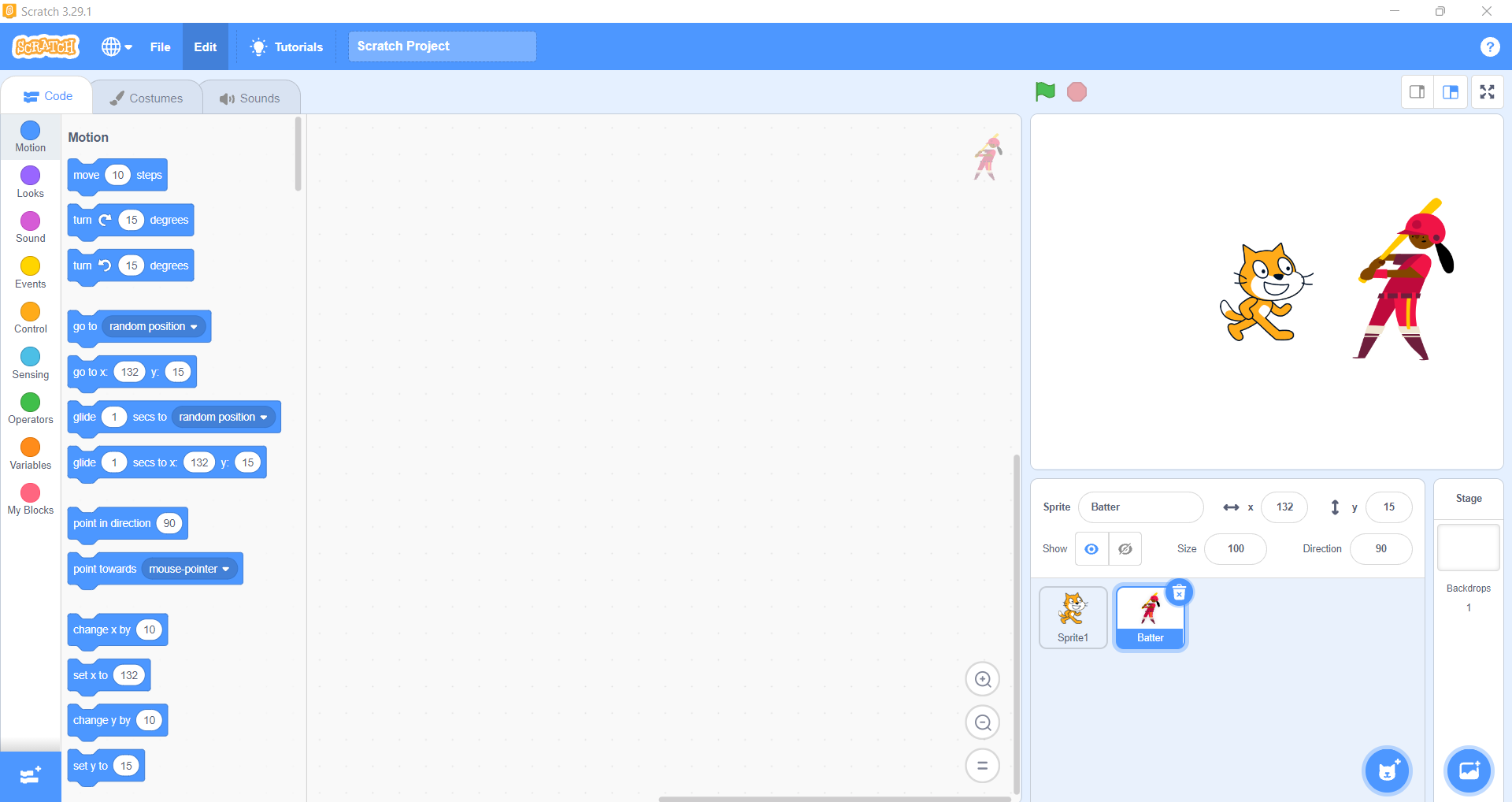
Basic One, Two and Three Students
Greatville Montessori School
How to select a new Sprite on Scratch Programming language
One of the most popular programming language for kids out there is Scratch. This block-based programming language was created by MIT for the sole purpose of making coding easy to learn for kids in preschool and middleschool.
Here, we are going to show you how to select a sprite and add it to a scratch project
Getting started with the Scratch
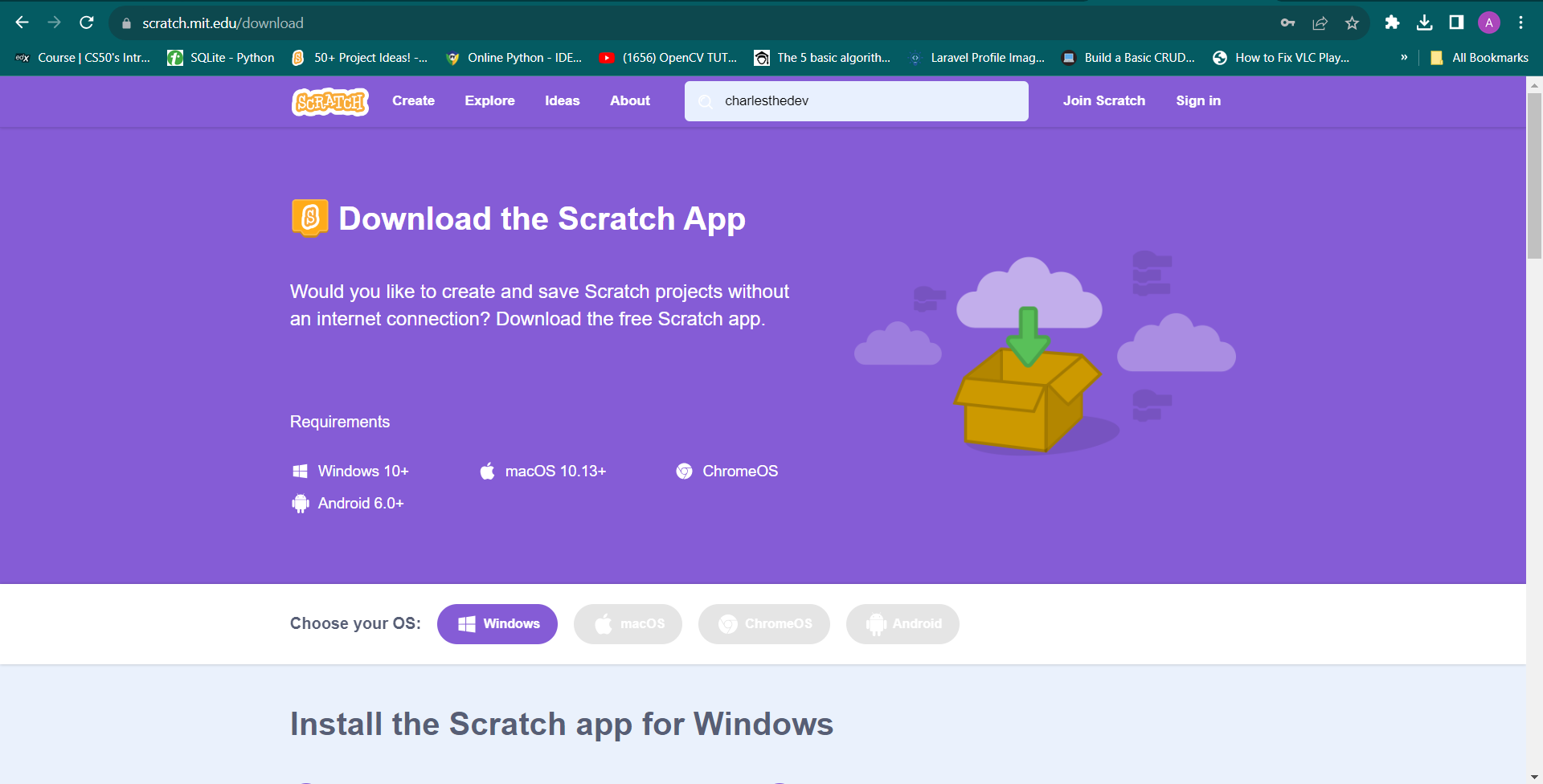
- Install Scratch 3.x.x: Ignore this if you have python already installed
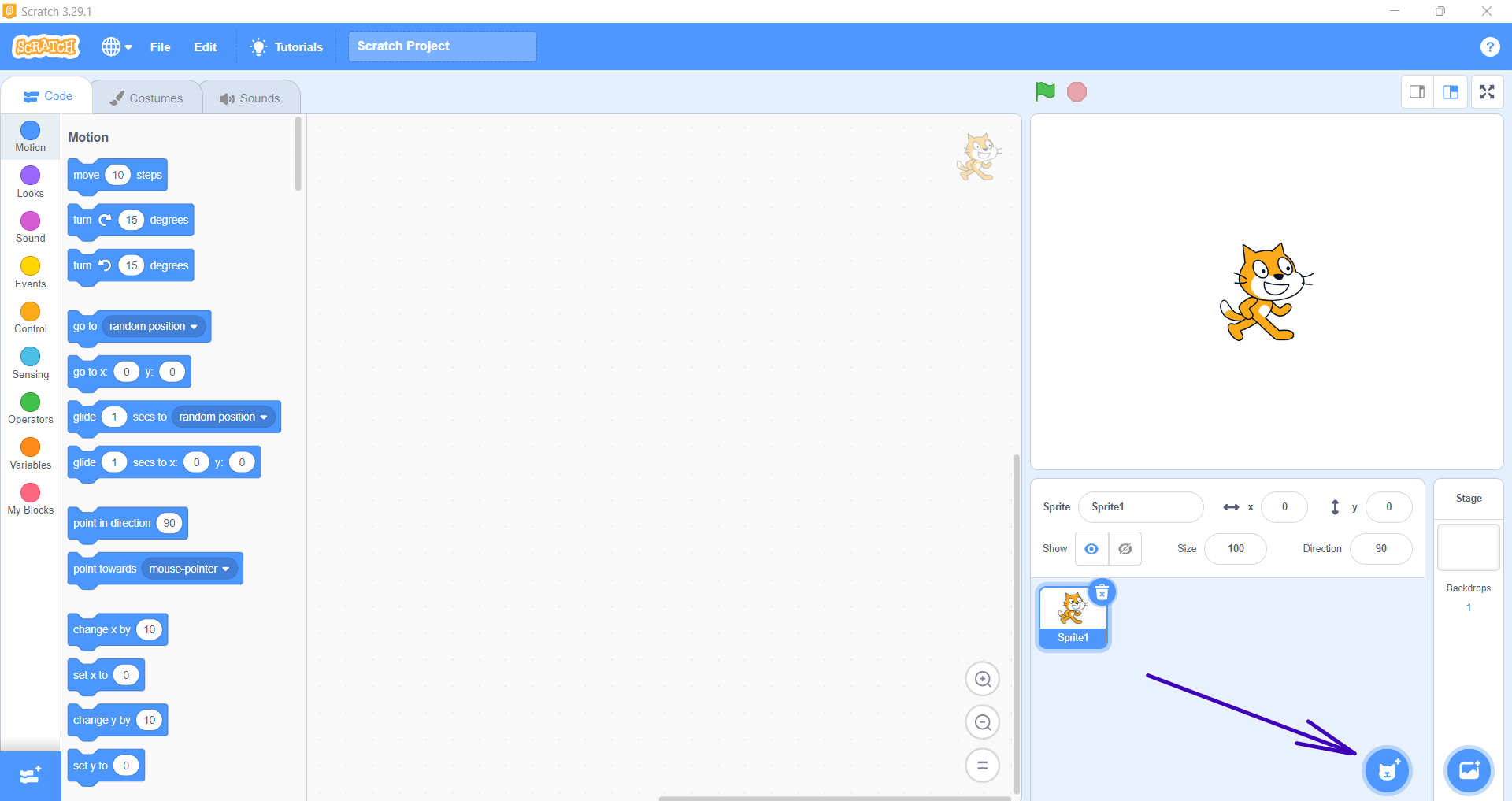
- Start your scratch application: Or in programming terms, we say environment. Then click on the add sprite button
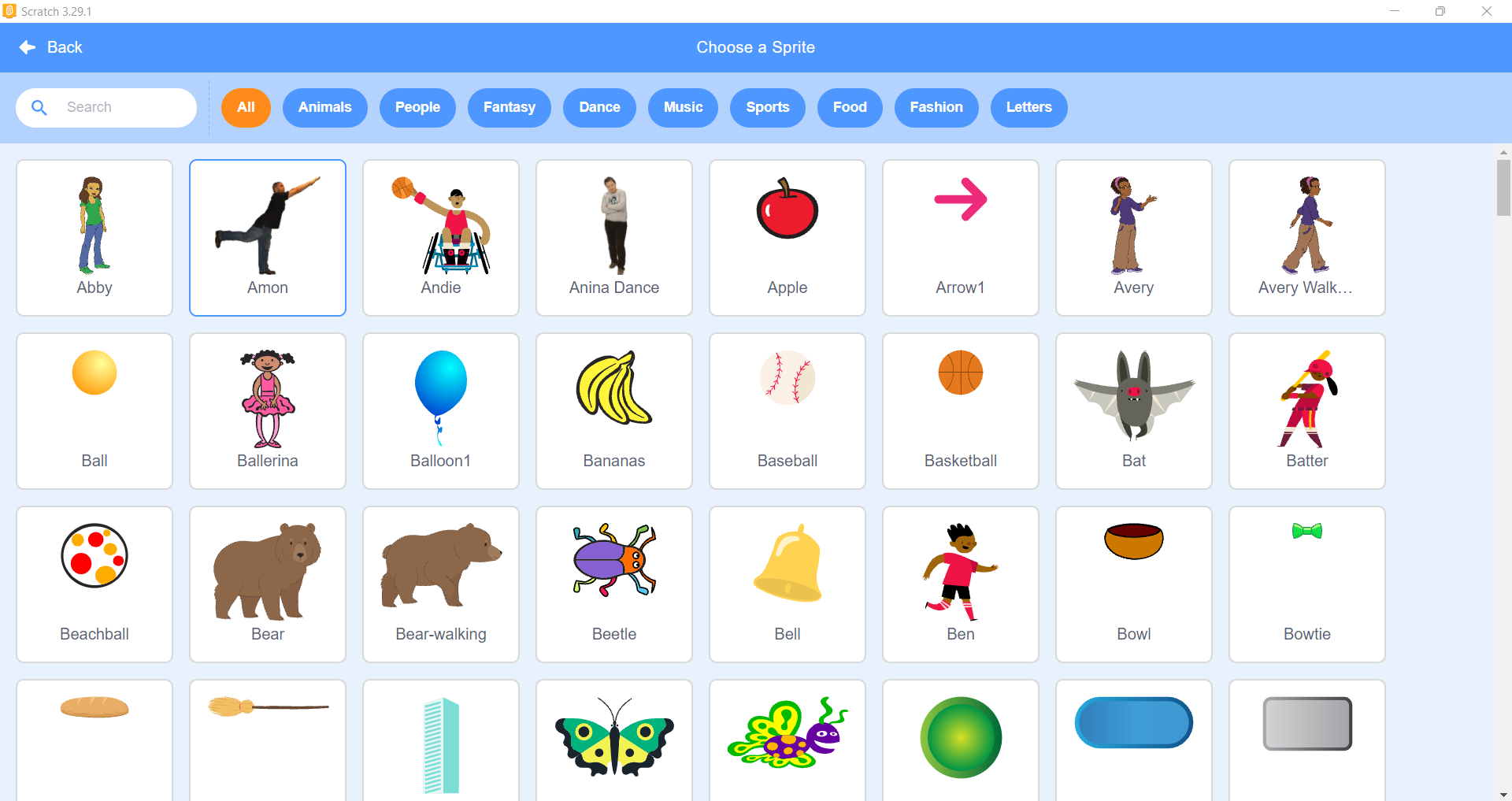
- Select a Sprite of your choice: We selected the boy with the bat on a red jersey.
- Output